 Notelix
Features All free
Everything in the canvas.
Notes, PDFs, templates, organization and export — the whole toolkit is free, with no ads. Only the AI and the full font set are Plus.
A real-paper canvas
- PaperKit + PencilKitApple’s native ink — low latency, tilt, pressure, the system tool picker.
- Shapes, text & photosDrop in rectangles, arrows, speech bubbles, text boxes and images.
- Pencil gesturesDouble-tap and Apple Pencil Pro squeeze switch tools instantly.
Mark up any PDF
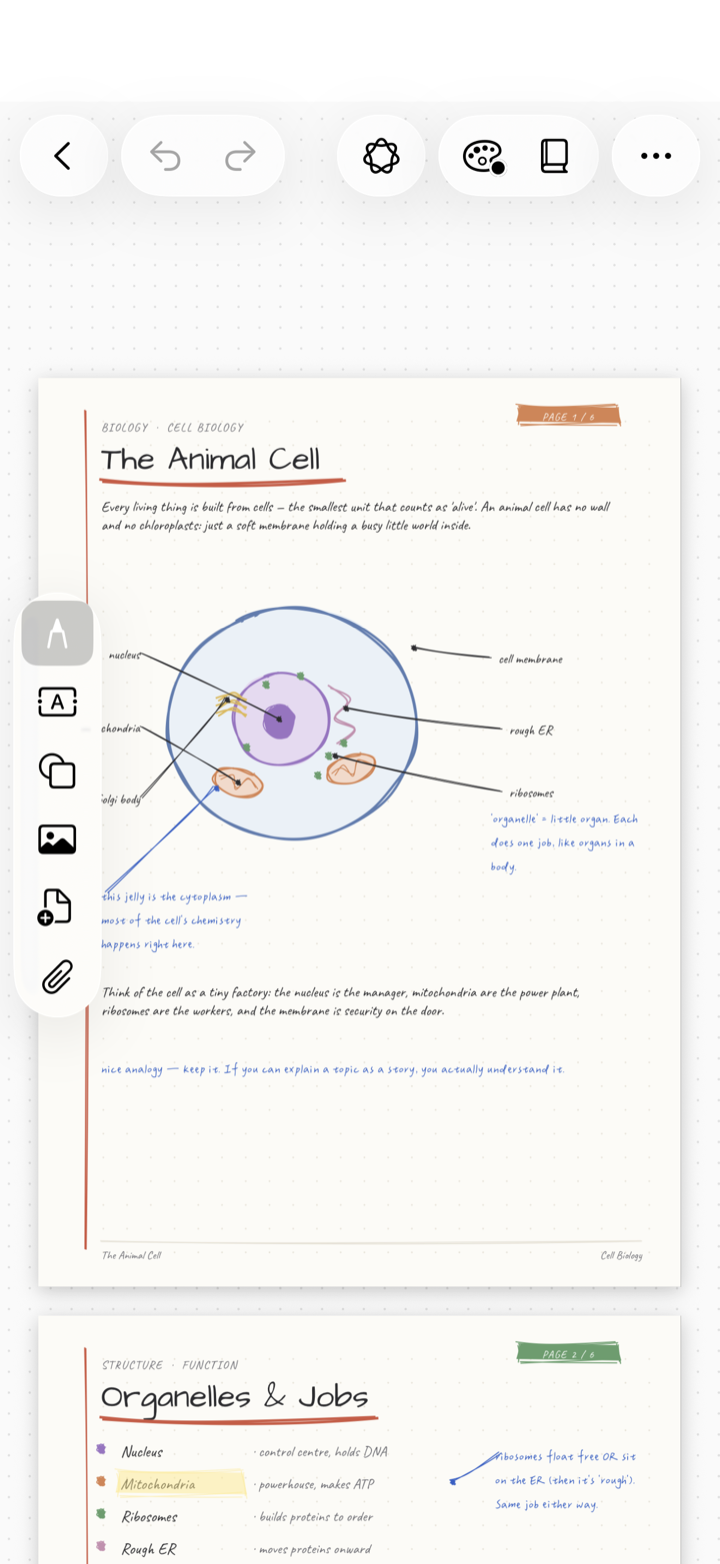
- Write on the pageImport slides, worksheets, contracts and forms and annotate by hand.
- Multi-PDF layoutsStack documents vertically or place them side-by-side with a page navigator.
- Export a flattened PDFShare a clean copy — text stays selectable when it can.

18 page templates
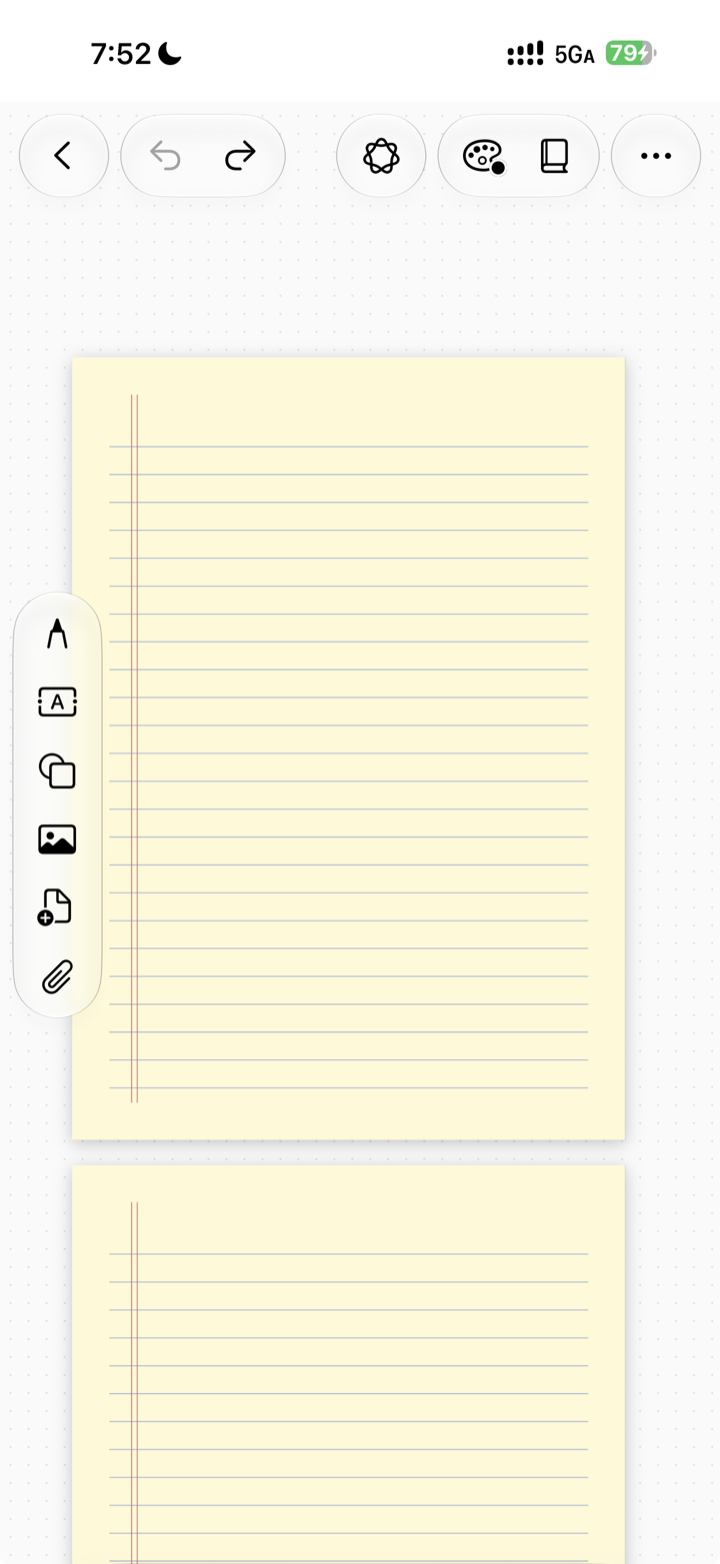
- Lines, dots & gridRuled, college, dotted, graph, isometric and Genko squares.
- Productivity & specialCornell, to-do, weekly planner, storyboard, music staves, legal pad.
- Generated nativelyCrisp A4 pages made on-device — stack several in one tap.
Unlimited & tidy
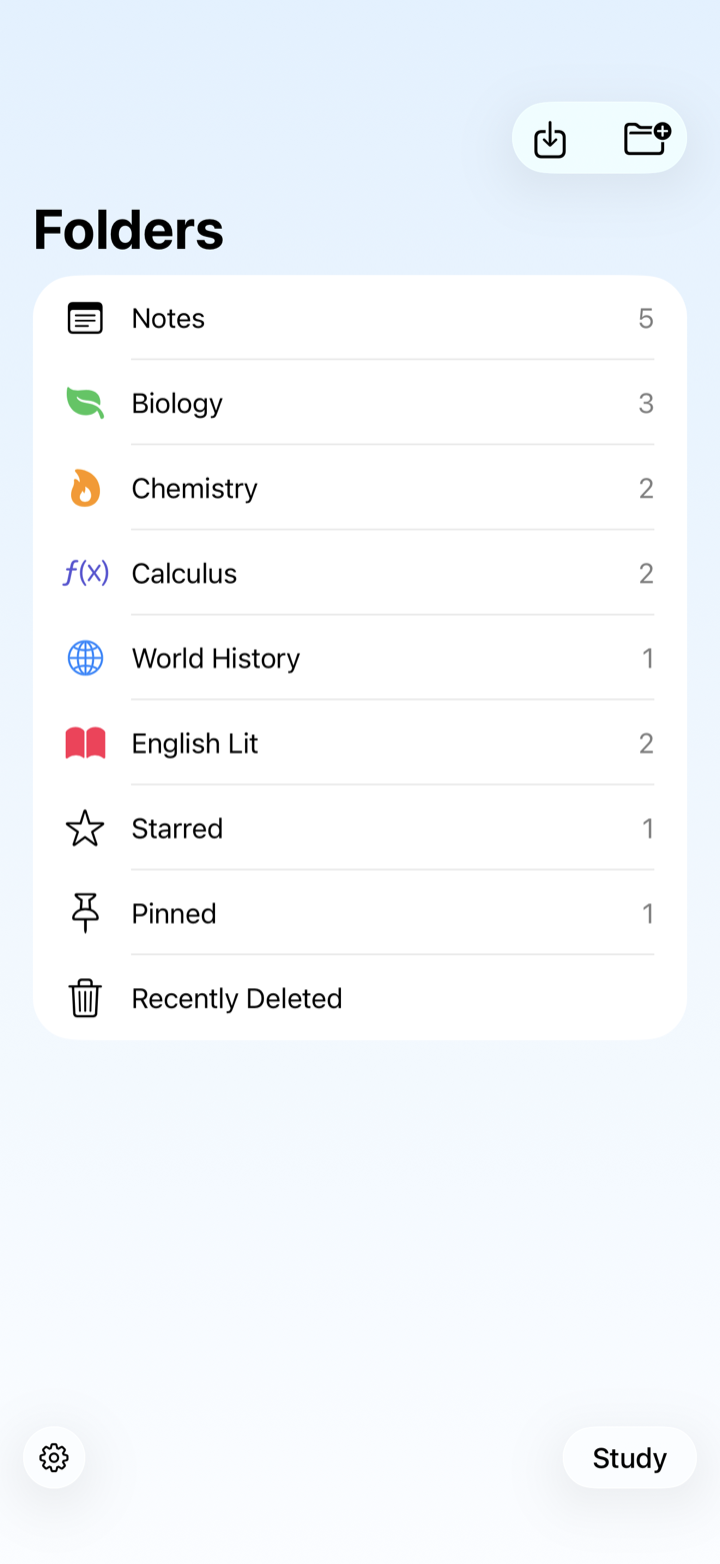
- Unlimited notes & foldersNo per-note limits, no nagging — organize as much as you like.
- Tags, star & pinColor-code, pin favourites, and search with a date timeline.
- Recently DeletedA 30-day safety net so a mistake is never the end.
+And more, all free
Shareable .notelix files
Send a complete note — ink, PDF pages, tags and all — that opens as a faithful clone on any device.
Import PDF, Word & Markdown
Drop in documents and mark them up by hand — converted on-device, no round-trip.
Export to PDF & PNG
Flatten your ink with an adjustable crop; the result looks exactly like your annotated page.
Face-ID private space
A second workspace behind biometrics, with its own notes, accent and theme.
20 languages
Switch the entire interface — and the AI’s replies — live, without a restart.
iPhone · iPad · Mac
One app, every Apple device. Mac is a real Catalyst app, not an iPad in a window.